
iPadでモーダルのサイズを取得する
iPadでモーダルのサイズを取得する方法です。 viewWillLayoutSubviews でモーダルのサイズを取得することができます。
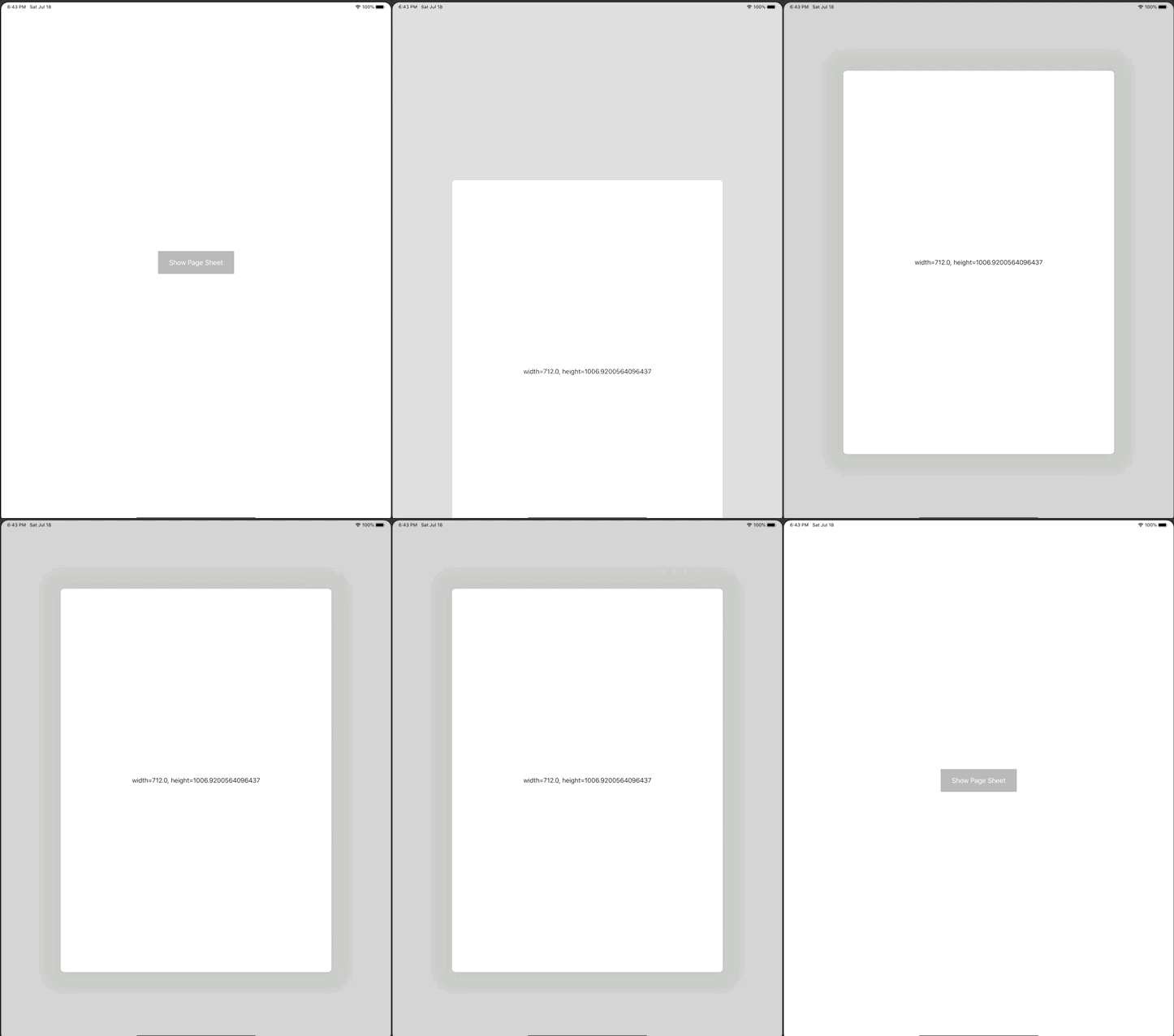
ViewController.swift
import UIKit

class ViewController: UIViewController {

    override func viewDidLoad() {
        super.viewDidLoad()

        print("width=\(view.bounds.size), height=\(view.bounds.height)")

        let button = UIButton()
        button.setTitle("Show Page Sheet", for: .normal)
        button.frame.size = CGSize(width: 200, height: 60)
        button.backgroundColor = .lightGray
        button.center = view.center
        button.addTarget(self, action: #selector(showSecondViewPageSheet), for: .touchUpInside)
        view.addSubview(button)
    }

    @objc func showSecondViewPageSheet() {
        let viewController = SecondViewController()
        present(viewController, animated: true)
    }
}

class SecondViewController: UIViewController {
    lazy var label = UILabel()
    override func viewDidLoad() {
        super.viewDidLoad()

        print("width=\(view.bounds.width), height=\(view.bounds.height)")

        view.backgroundColor = .white
        label.textAlignment = .center
        view.addSubview(label)
    }

    override func viewWillLayoutSubviews() {
        print("width=\(view.bounds.width), height=\(view.bounds.height)")

        label.text = "width=\(view.bounds.width), height=\(view.bounds.height)"
        label.sizeToFit()
        label.center = view.center
    }
}