
SwiftUIでListにButtonを設定してパラメーターの違う画面に遷移する
SwiftUIでListにButtonを設定してパラメーターの違う画面に遷移する方法です。 詳細ページに遷移するような使い方を想定しています。
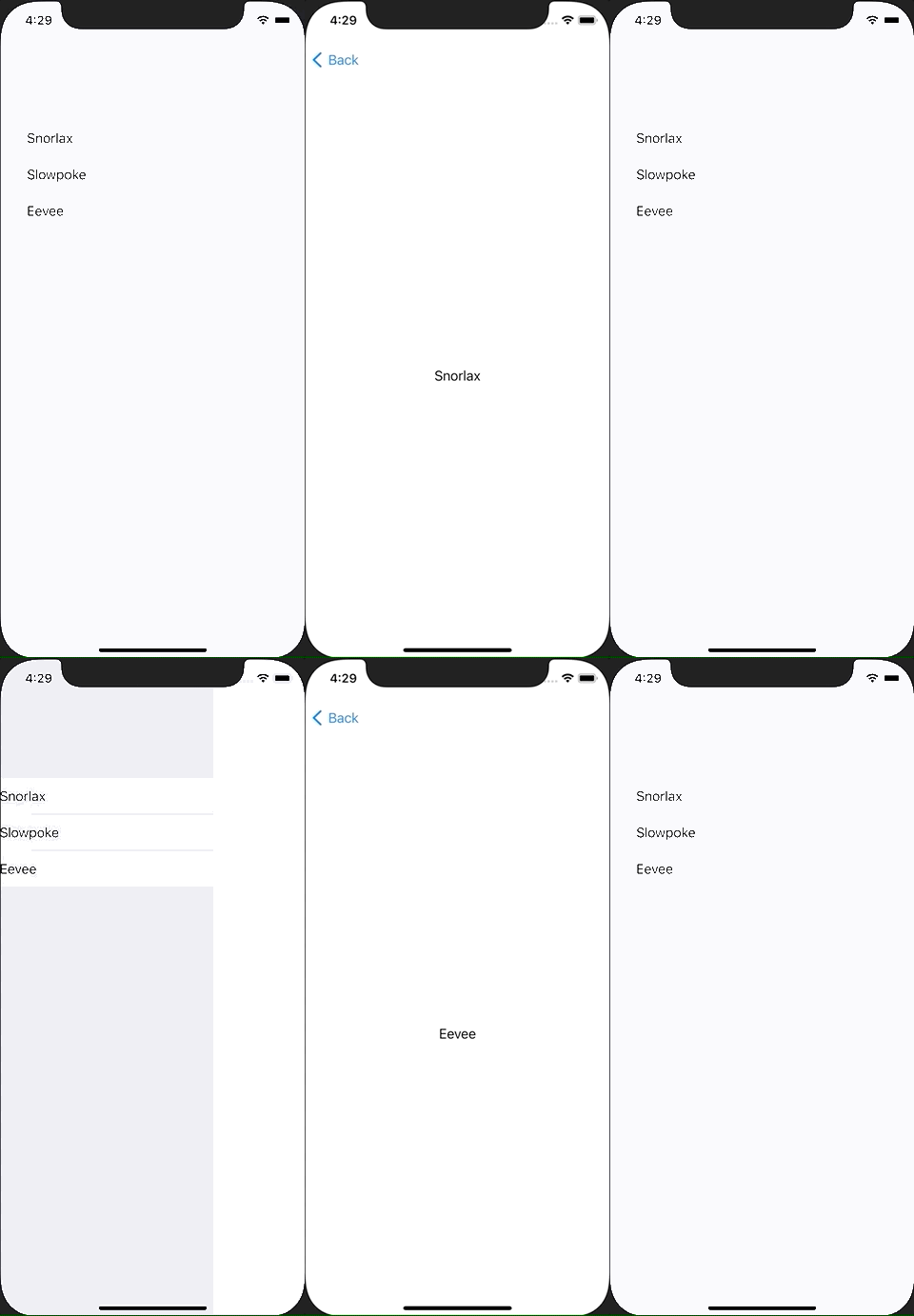
ContentView.swift
import SwiftUI

struct ContentView: View {
    @State var isActive : Bool = false
    @State var pokemonName: String = ""

    var body: some View {
        NavigationView {
            VStack {
                List {
                    Button {
                        pokemonName = "Snorlax"
                        isActive = true
                    } label: {
                        Text("Snorlax")
                    }
                    Button {
                        pokemonName = "Slowpoke"
                        isActive = true
                    } label: {
                        Text("Slowpoke")
                    }
                    Button {
                        pokemonName = "Eevee"
                        isActive = true
                    } label: {
                        Text("Eevee")
                    }
                }
                NavigationLink(
                    destination: Text(pokemonName),
                    isActive: $isActive
                ) {
                    EmptyView()
                }
            }
        }
    }
}

struct ContentView_Previews: PreviewProvider {
    static var previews: some View {
        ContentView()
    }
}