
SwiftUIでAlertを出し分ける
SwiftUIでAlertを出し分ける方法です。 ボタン1が押されたらアラート1を、ボタン2が押されたらアラート2を表示してください
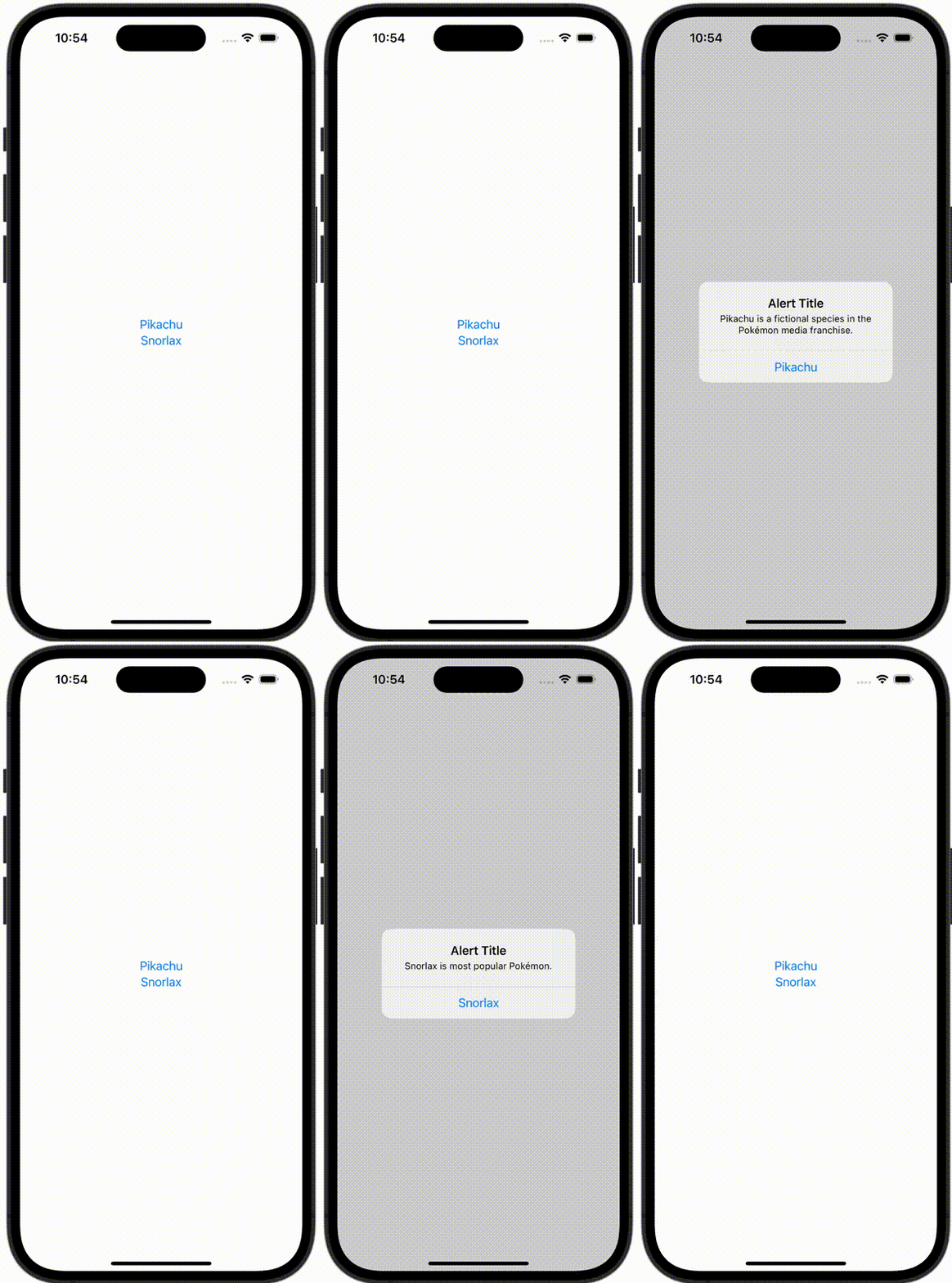
AlertItem.swift
import Foundation

struct AlertItem {
    let buttonTitle: String
    let message: String
}
ContentView.swift
import SwiftUI

struct ContentView: View {
    @State var showingAlert = false
    @State var alertItem: AlertItem?

    var body: some View {
        VStack {
            Button {
                alertItem = AlertItem(buttonTitle: "Pikachu", message: "Pikachu is a fictional species in the Pokémon media franchise. ")
                showingAlert = true
            } label: {
                Text("Pikachu")
            }

            Button {
                alertItem = AlertItem(buttonTitle: "Snorlax", message: "Snorlax is most popular Pokémon.")
                showingAlert = true
            } label: {
                Text("Snorlax")
            }
        }
        .alert("Alert Title", isPresented: $showingAlert, presenting: alertItem) { alertItem in
            Button(alertItem.buttonTitle, role: .none) {
                print(alertItem.buttonTitle)
            }
        } message: { alertItem in
            Text(alertItem.message)
        }
    }
}

#Preview {
    ContentView()
}