
スワイプで遷移するチュートリアル画面を作る
スワイプで遷移するチュートリアル画面を作る方法です。
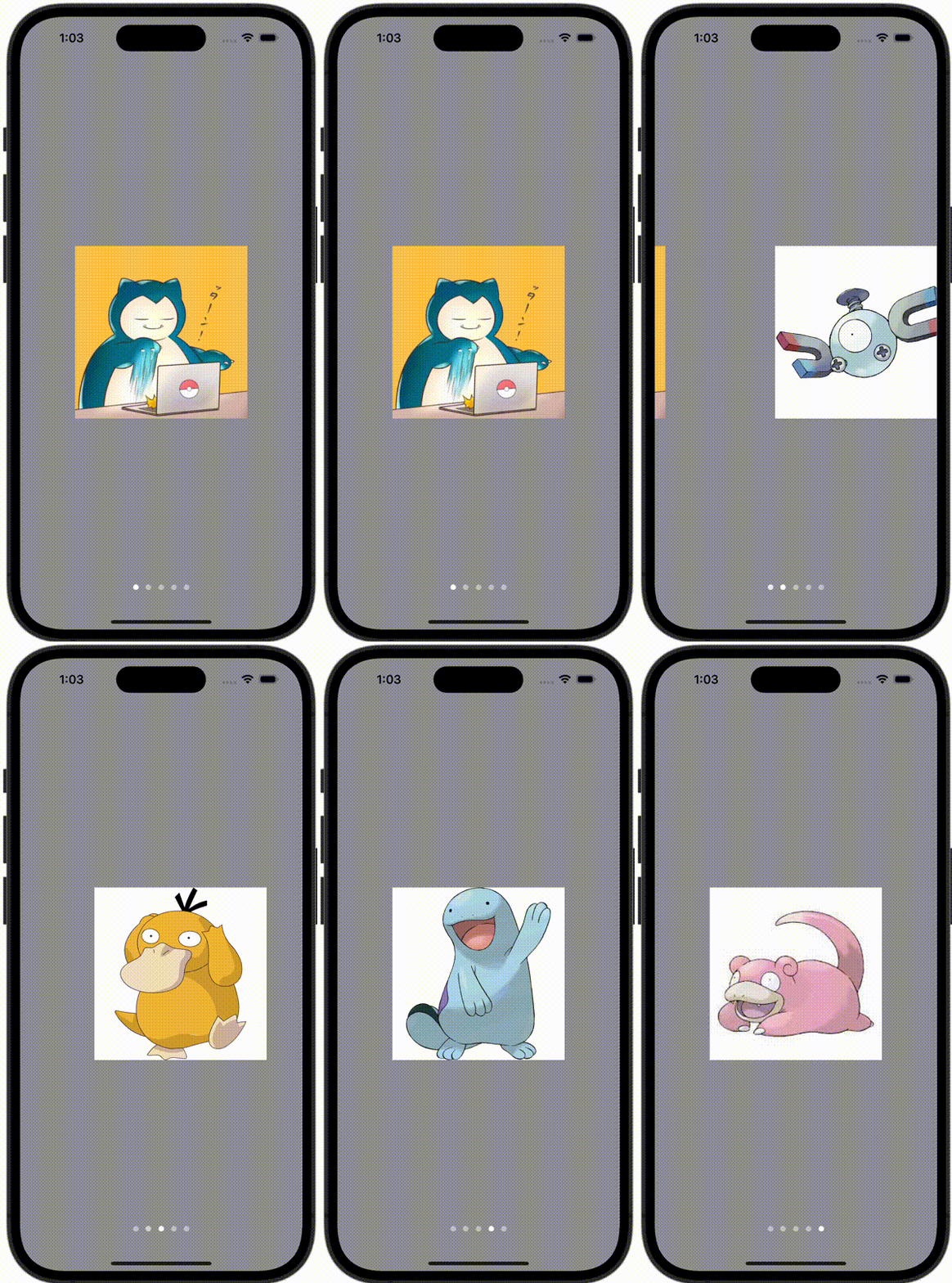
ContentView.swift
import SwiftUI

struct ContentView: View {
    var body: some View {
        TabView {
            ContentViewCell(image: Image(.snorlax))
            ContentViewCell(image: Image(.magnemite))
            ContentViewCell(image: Image(.psyduck))
            ContentViewCell(image: Image(.quagsire))
            ContentViewCell(image: Image(.slowpoke))
        }
        .frame(maxWidth: .infinity, maxHeight: .infinity)
        .background(Color.gray)
        .tabViewStyle(.page)
        .menuIndicator(.visible)
    }
}
ContentViewCell.swift
import SwiftUI

struct ContentViewCell: View {
    let image: Image

    var body: some View {
        image
            .resizable()
            .scaledToFit()
            .frame(width: 240, height: 240)
            .background(Color.white)
    }
}